The RAM wars: mini penguin to the rescue
Originally, I was drafting this in September, planning on dedicating it to Windows 10 Home becoming EOL. I also figured I’d share a meme that contained something along the following:
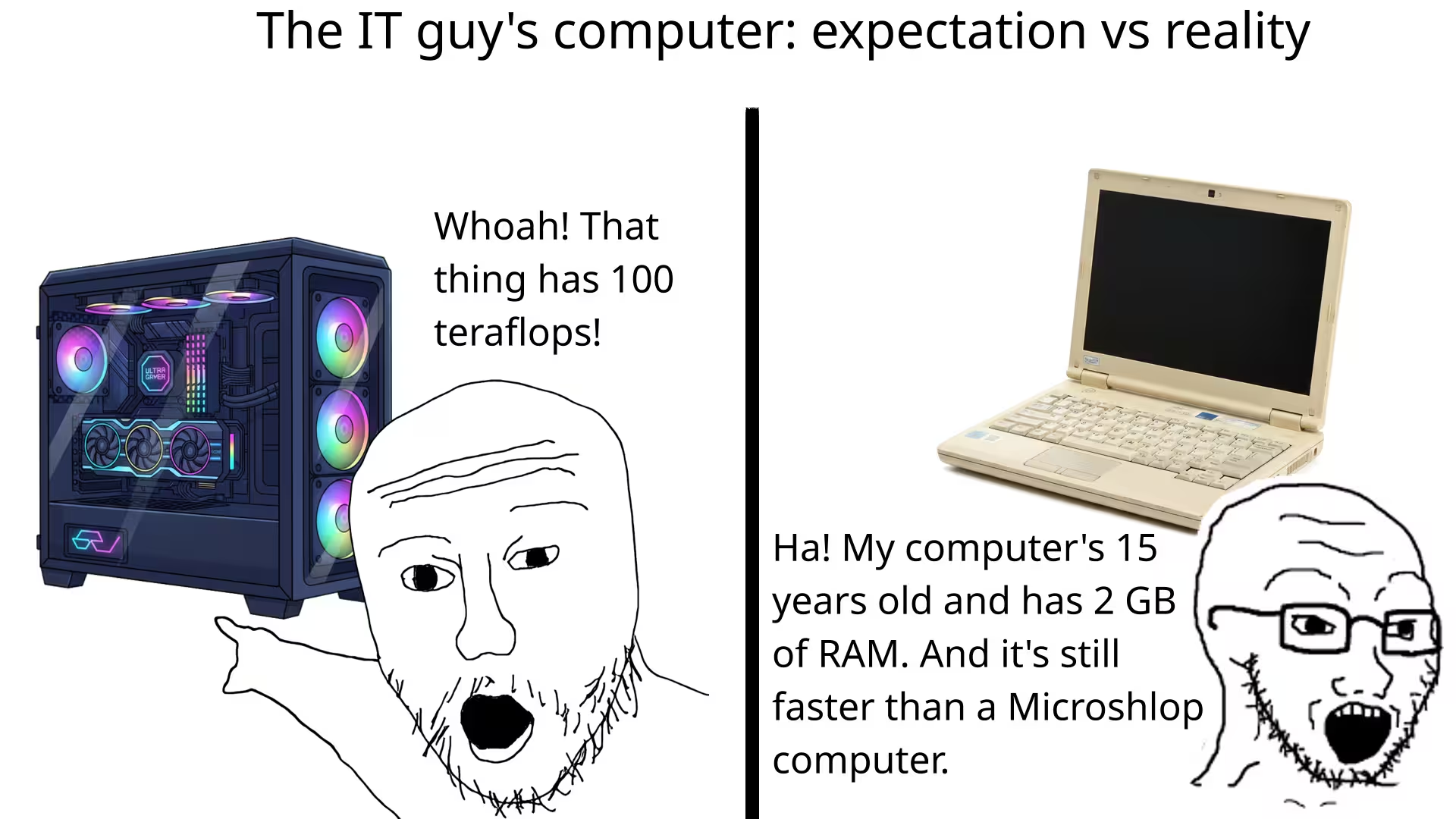
Instead, however, it’s early 2026, and I feel like a dedication to RAM prices would be a more fitting start:
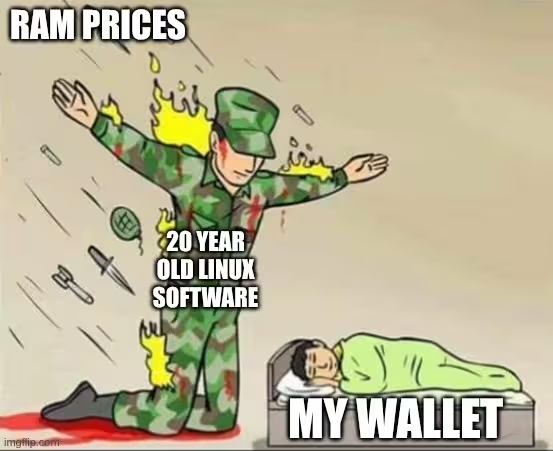
Memes aside, the lightweight laptop - what I’m typing this post on - has a whopping total of 2 GB of ram (1.88 usable) and an Intel Bay Trail processor from over a decade ago. And, believe it or not, it’s a pretty capable machine; at least after being very particular about what I install on it. The device itself is a former Chromebook, now sporting Coreboot and Debian 13.
I’ve actually had this device for a while, purchasing it in April 2022 for $35.65 US1, which I used in place of a tablet until I picked up my surface tab a few years ago. For a while it remained stashed in a cabinet and forgotten about, my then work/life situation not really finding a use for it. However, as of more recently, I found need of a more portable laptop - so I dusted it off and have been using it again.
tangent: work/life tech situation
Software I’m Using
In the past I only half nuked Chrome OS from the device, removing Chrome OS itself, but leaving the Chrome UEFI; needing to press CTRL + L on start to boot into the OS of my choosing. This go around I saved myself the trouble and removed the firmware write protection screw, installing Coreboot, so it’s now effectively a standard laptop. With that, I (re)installed Debian. It’s pretty straightforward, Debian works on just about anything, and - with non-free drivers on by default now - I didn’t need to rummage for drivers after the installation.
During the installation I selected LXDE as my desktop environment. Running something like KDE or Gnome is fine on a more powerful device, but running the most lightweight setup (discounting tiling window managers, not my cup of tea) is rather important. RAM usage after boot, with LX terminal and TOP running to check, left me at 561.9 MB used. I have a feeling my usual desktop of choice - KDE under Wayland - would have me using up nearly the entire 1.8 GB of usable RAM on the device2.
The default Debian LXDE meta package comes with a handful of fairly lightweight utilities (CLI tools, Mousepad, LX Terminal, a media player, etc). Everything it installed is lightweight and works, but I have my own preferences, so I made a few changes:
- I replaced Xorg with XLibre, slightly improving performance and getting a modern X11 environment (modern x11, a bit of an oxymoron lol).
- I installed Pulse Audio. I don’t believe it had any audio software on the default installation, but audio worked fine after I installed Pulse.
- I removed LibreOffice and installed AbiWord + Emacs. LibreOffice already takes a fair bit to load on my much more powerful main computer, meaning it took ages to load on my modified Chromebook. After using it a fair bit (including composing this post) I’ve also set AbiWord as the default word processor on my main PC.
- I replaced Firefox ESR with Brave, the latter having better compatibility - and more importantly - better performance3. See my browser post one and two for rants about browsers.
- I installed Gparted. The default Disk Management utility is too complicated for my two brain cells to operate.
- I installed Syncthing to make it easier to do something (like write this, or edit photos), then pick up later on my phone or main PC.
- I installed YT-DLP via pipx for audio/video downloading, and setup a few aliases.
- I replaced the default music player with Audacious, and more recently, also added Clementine
- I downloaded the GIMP and Darktable AppImages, but stashed them on external media to avoid filling up the laptop’s 16 GB eMMC storage.
With everything installed, I did end up needing a few workarounds, and ran into a few limitations, mostly revolving around LXDE being a rather minimalist desktop.
- There’s no Bluetooth by default. I’m sure installing Blueman would fix that, but I don’t use Bluetooth on it, so I haven’t set it up.
- There’s no brightness option on LXDE. I aliased the X11 command
xrandr --output eDP-1 --brightnessto “brightness” so I can run something likebrightness 0.6to set brightness to 60%. It’s a bit hacky, but gets the job done. - Video is sometimes a bit iffy, be it video files or streamed video. Anything 480p or lower works fine, anything above may be choppy.
- The interface looks old, and lacks some quality of life features I’m used to. For example, needing to go to settings to adjust the volume instead of being able to do it from the task bar.
How I use it
As you can probably guess, it wouldn’t work very well for a main PC, but for my use it works surprisingly well. As far as web browsing goes, if I’m sticking to mostly text/css/JS based sites I can easily have a half dozen tabs open without impacting performance. Once I start getting into really media heavy sites, or running a bunch of programs at once, I can only have a tab or two open. Video streaming is pretty much limited to one tab in standard definition video, with limited multitasking capabilities.
Writing, the other big thing I do on it, is also not effected by the specs. Lightweight word processors like AbiWord, or the old school text editors, open near instantly. In a sense it’s kinda sad this piece of e-waste disguised as a laptop can open a text/doc editor faster than a top of the line computer can load MS Word or Google Docs.
Also, as mentioned above: the size, battery life, and cheapness make it a great portable device. Being 14 inches (~36 cm) makes it barely larger than most tablets, and easy to shove in a backpack. It probably outperforms most x86 laptops in battery life4, and a ~$35 price makes it rather guilt free to use in places I’d be worried about breaking something else.
The peripherals are also pretty good, it’s got a decent keyboard, albeit one missing a numpad and forgoing function keys for annoying Chromebook keys (rendered worthless without an OS configured to use them). The touchpad is good enough to use in place of a mouse when writing or browsing the web, and the two USB ports are handy if I want to use a mouse or external storage. The SD card slot is especially handy to expand storage, or to use with camera SD cards.
And, finally, it feels like a decent laptop. It’s plastic, but it’s sturdy, avoiding the flimsy cheap feeling. It’s not the easiest to take apart, but you still can do it (which I had to do when removing the UEFI write protection screw); being held together by screws instead of glue. Branding is pretty minimal (an HP logo and a small Chrome logo), and it’s dimensions (both case and screen) seem convenient.
Building Something Like This Yourself
If you were looking to build something lightweight, there’s probably a few different routes you can go. There are a few ultralight distros like Puppy Linux or DSL5, both of which would work if you wanted something mostly offline to write or consume media with. Distros like AntiX or Vendefoul Wolf are also purpose built to be more lightweight, though unlike Puppy/DSL, they’re more like standard Linux with access to the Debian repos.
In my opinion, though, the best bet would probably be starting with a base of Debian or Arch and configuring a lightweight setup. It requires a bit more Linux experience, as opposed to a plug and play purpose built distro; but if you’re reading this post, I can pretty safely assume that’s well within your wheelhouse. I went with Debian: I silently judge Arch users personally prefer the stability, and for a secondary device, the lack of needing regular updates or tinkering is nice. In either case though, unlike more streamlined Distros6, Debian and Arch both give you a more minimal installation option with a lot of customization. Debian lets you choose what (if any) Desktop + Meta Packages to use, and the default Arch installation process is very customizable and mostly manual by default.
The desktop environment you pick is also going to be pretty important to performance. I’m sure tiling window managers are even more lightweight, and probably your best bet, although I personally prefer to use a standard desktop environment. I don’t have very much tiling window manager experience, so I can’t offer any specific recommendations, but you can’t really go wrong with desktop environments like XFCE or LXDE. LXDE edges out XFCE in performance a bit, although at the cost of being a little less user friendly by default.
As far as compositors/display servers go, I’m not sure if Xorg has an inherent advantage over Wayland in terms of performance. A Wayland based tiling window manager might be just as fast or faster - I haven’t tested any of them. If you’re like me using a standard desktop environment, sticking within fisher price land because you prefer it, it’ll be the lighter X based desktops - and for that you’ll probably want to run XLibre. There was some drama surrounding Xorg/XLibre, which is irrelevant to this post. Nevertheless, the main Xorg contributor got in a spat with Red Hat, with Red Hat retroactively removing the contributor’s pull requests from the Xorg repo. XLibre is likely to be more performative and secure, and I’ve been running it for a while without any issues; so if you’re running an older x11 based system you’ll probably want to use XLibre instead of the default Xorg. It’s not in the Debian repos (yet, as of Feb 2026), but you can install it from the Arch AUR or on Debian with extrepo:
sudo apt update -y && sudo apt install extrepo -y && sudo extrepo enable xlibre && sudo apt install xlibre -y
When picking software, it mostly comes down to choosing the lighter options. It might be handy to replace a lot of your default software with lighter weight alternatives (VLC with Audacious, LibreOffice with Abiword, etc). Let the Unix Philosophy shine and get simple, focused software that has a minimal footprint on your RAM or storage. You can also do a lot of stuff from the terminal - using something like mocp for music, or writing documents in the old school text editors (nano, vim, Emacs, etc).
As far as browsers go: outside of a terminal web browser7 or something like Emacs, there’s no such thing as a lightweight web browser nowadays8. Chromium tends to edge out Gecko in terms of RAM usage, so I went with Brave, though the most important thing is likely that you have good adblock. That said, something like DuckDuckGo or Gnome web might also be lighter than a standard browser like Brave/LibreWolf, since the two former focus on being more minimal.
Assuming you’re using a super lightweight machine as a second device, you’ll also probably want to have some method to sync files or access cloud storage. I’ve got a makeshift home server running Syncthing, which means I have E2E encrypted cloud sync available 24/7. I can start Syncthing on the laptop, wait for it to finish, then shut it down to save storage - having any files/docs I was working on ready to be picked up on my phone or main PC. Though of course there’s plenty of cloud options (Google, Microsoft, Proton, Nextcloud, etc) that let you access files on multiple devices, and there’s always the option of good ‘ol external media to use as a portable-between-devices workspace.
And finally, speaking of thumb drives, if you’re on a device like mine with limited space then external storage is handy. Appimages let you stash larger pieces of software off your main drive, and if you want to keep a bunch of files (music, photos to be edited, downloaded video/audio) you can toss it on there instead.
Chromebooks, the new ThinkPads
I remember a while back somebody9 said we should make Chromebooks the new ThinkPads. It’s sort of the same idea - just like the ThinkPads of old - lots of businesses buy Chromebooks, then give ‘em a toss once they’re EOL. Unlike ThinkPads today, however: not only are there not many people seeking used Chromebooks, but Chromebooks running ChromeOS have a universal EOL date10. You can find Chromebooks across a spectrum of configurations: from ultra cheap and flimsy, 2 in 1 tablet/laptop combos, and premium devices for business customers. And all of them, once they get old, are barely worth more than it costs to ship them, so you can find some pretty great deals. And, as time goes on, I expect the market to get even more saturated as more places use and discard Chromebooks.
Most Chromebooks are x86, and accept operating systems like any other laptop, although if you were to buy one you’ll probably want to double check that specific model (Mr Chrome Box has a big list of supported devices). I’m on and off tempted to upgrade this laptop, and if I do, there’s a good chance it’ll be another modified Chromebook11. That said, each time I go about thinking of upgrading, I go to use the device, and it works just fine for most anything I throw at it.
Tangents & Footnotes:
Work/Life Tech Situation
With my last job I was working 12 hour shifts 3-4 days in a row, so I’d usually bring my work and main personal computer (a bigger, more powerful laptop) at the start of a set of shifts. Instead of bringing them back at the end of a shift, I’d just keep them both there, only bringing them back to my apartment when I was going to have some days off. I wouldn’t have much time at home after a shift, so if I wanted to kill a little time I’d just use my tablet (watching videos, reading, doing a small amount of writing using a detachable keyboard, etc). When I had a day off, if I wanted to use my computer, I’d just walk a few feet through my apartment to my desk and use it.
After I left that job and moved back to my home state, though, a more portable laptop became a lot more handy. Now if I wanted to sit on the couch and apply for jobs or write, the sturdiness of a laptop keyboard came in handy. Or, since I had the free time while between jobs, I could hop on my ebike and take it to a park or place with a picnic table and do some writing or kill some time. That was actually how I wrote part of this post in September, though this part is being written in January - where it’s currently below 0F (-18 C) - and doing something like that today would not be fun. :’(
More recently I got a new job, and this one has me being a lot more mobile. I’m usually working a more standard shift of 7AM-4PM Mon-Fri (the closest I’ve ever gotten to working a 9 to 5 lol). Now I’m A) sometimes needing to travel at a moments notice, and B) no longer leaving my work/personal laptop at work overnight. With that, forgoing the briefcase and having two smaller laptops in my backpack gets a lot more convenient. The cheapness of it, and the fact it’s not my main computer, is also handy - I’ve got less of a worry about getting it broken if I’m doing field service or something like that. With that I’m back to using it daily again, at least on weekdays anyway.
-
It was a used device, having already lost ChromeOS security updates, which was why it cost $35. I got it on eBay, and the shipping was free, although I assume devices are similar in price across most platforms. ↩︎
-
Editing me here: my main PC running Debian with KDE under Wayland is idling at 3055.8 MB of RAM after boot. Even if almost half that is buffer and cache (top doesn’t break down how much buffer vs cache is being used), it’s still quite a bit. We’ve had the “Windows Tax” for a while, but the “Standard Linux Configuration Tax” might now be upon us. ↩︎
-
If LibreWolf is going to memory leak when I’m reading my RSS feeds - kneecapping my main PC with 16 GB of RAM - I think this little laptop would probably combust. ↩︎
-
It’s a passively cooled underpowered device, which means power management is pretty impressive. It’d probably run a good 5-8 hours on a full charge. ↩︎
-
DSL was discontinued for a while, but did have a recentish release in the end of 2024. It may or may not be an ongoing project. ↩︎
-
Unlike the distros based on Debian/Arch. Ubuntu, Mint, Manjaro, ect all have their places, but most distros based on other distros exist because they added stuff to the original distro for ease of use. If you want something minimal, you probably want to go strait to the source. ↩︎
-
Offpunk has been on my list of things to try for a while, and I also recently saw a video on TTY based web browsers as well. That said, any TTY browser is going to be pretty much useless for anything outside of plain text pages. ↩︎
-
I say that, though checking my RAM usage is and it’s not all that crazy bad. Right now, beyond the desktop (LXDE + XLibre), I have the following running: Emacs (where I’m typing this footnote), a file browser window, Abiword (text file with some reference info in it), Brave (two tabs spread across two windows), Syncthing, LX Terminal (to run top), and top (to check RAM usage). I’m using 1059.7 MB of RAM across everything. That’s about 500mb idle (desktop, kernal, systemd) and 500mb spread across Brave and all the other software I’m running. Browsers are still a bit bloated, but honestly, it’s not as crazy as I expected. ↩︎
-
It might have been the YouTuber Brodie Robinson, but I’m not sure. ↩︎
-
Similar to a phone, ChromeOS only supports devices for a set amount of time. Unlike most standard laptops, in order to continue using a Chromebook 5-10 years after it was manufactured, you need to manually put another OS on it. ↩︎
-
Although, the other temptation would be use a tablet with a keyboard - be that my old Surface Tab or a newer Android tablet. Android, as long as you yoink out a few annoying bits and use the right software (Browsers like Brave that support a desktop like view, Termux for a terminal, etc), would also probably do everything I’m looking to get out of this laptop. A tablet would be a bit more portable, and some are more durable/water resistant, though I’d also probably need to carry around a keyboard to go with it (though my Surface Tab has a keyboard case with a touchpad). ↩︎